How I ideated, wrote and filmed two videos in three days
March 6th, 2026
|
10
min read
When it comes to AI, I go through phases of burying my head in the sand.
Everything is moving so quickly, and it sometimes feels like my AI knowledge is out of date the moment I learn something new.
But recently, I've started to find a nice balance of integrating AI into my scriptwriting workflow - without it feeling overwhelming.
And it's helping me write scripts faster than ever.
As I write this email, I'm on a train to Amsterdam for a long weekend away with my partner.
Which meant this week, I had just 3 days at home to write and record two videos for my editor.
Videos I had not even ideated at the start of the week.
Here's how I managed it, using AI to speed me up.
1) 1of10
It’s much easier to dive into writing a script when you can already see the packaging.
I’ve spent the last two weeks generating a batch of new thumbnail ideas using 1of10’s thumbnail generator.
Here are some of my favourites (all generated in under 60s):
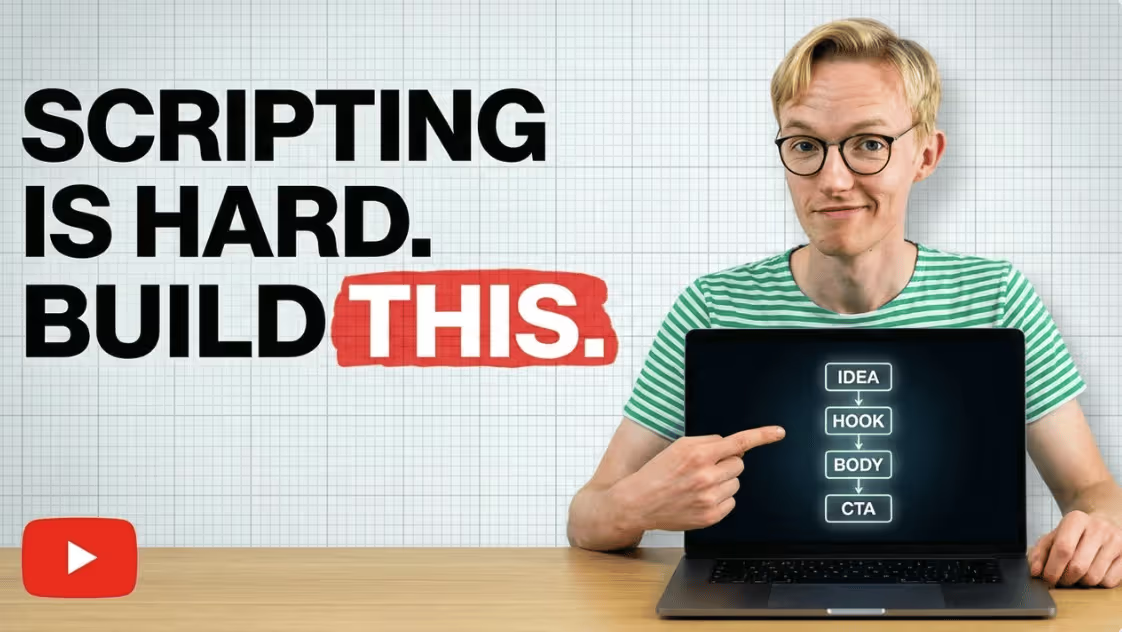
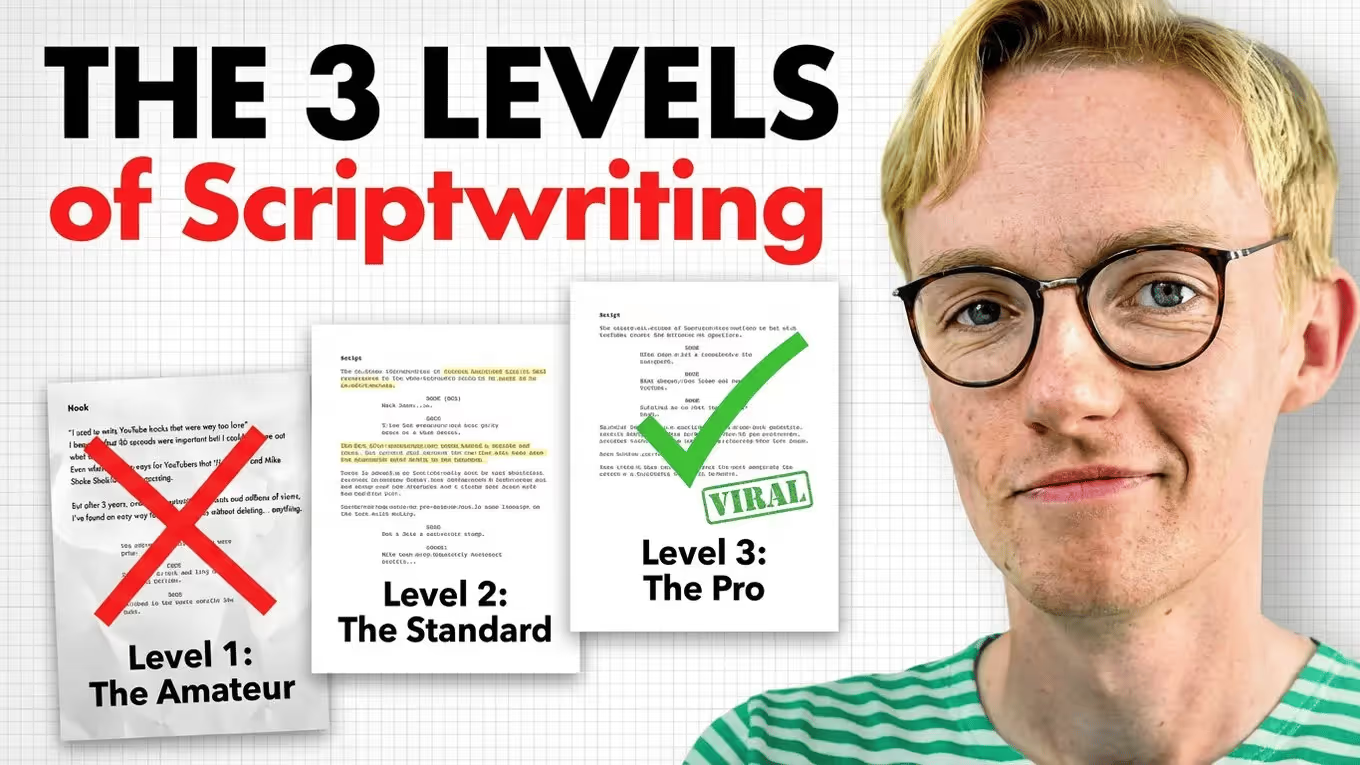
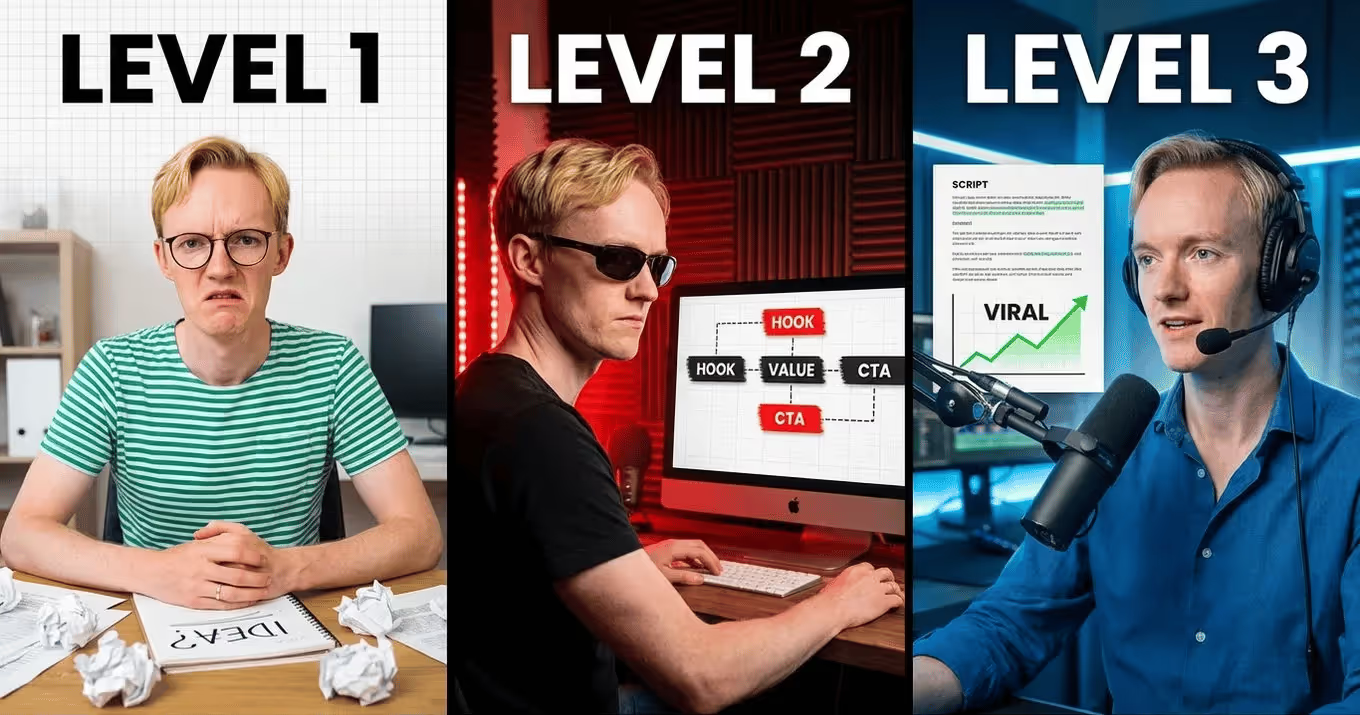
We all know the advice is to “create packaging first”.
But in a busy week, it’s not practical to wait until you’ve completely finished a thumbnail before starting the script.
With 1of10’s generator, you get the benefit of seeing an almost finished thumbnail in literally 60 seconds - and that’s where the value truly is.
With 1of10, you can:
- Describe any thumbnail you can imagine and it will re-create it in your channel’s style.
- Physically sketch an idea and it will do the same.
- Give it a reference thumbnail from any channel, and it’ll create your version of that thumbnail.
I had to move fast this week... and having my packaging ready to go by 9:30am on Monday morning got me off to a great start.
Want to give it a try? Get 20% off a 1of10 subscription here:
2) “Live” Style Guide
Every week, I give feedback to my community students.
This feedback constitutes my most up-to-date advice.
So, for the last 2 weeks, I’ve been passing all my feedback into a continuous training document.
At the end of each month, I ask Claude to create a summary of my recent advice to my students, followed by:
- Updating my current style guide.
- Creating 5 YouTube script ideas based on that advice.
So... think about where you’re already writing/thinking about your area of expertise each week:
- On Zoom calls.
- In a newsletter.
- In Discord Groups / Group Chats.
Transform that knowledge into a continuous stream of new ideas and pre-written chunks of your next script.
3) Use "Projects".
This is basic, but most YouTubers still don’t do it.
If you’re already using ChatGPT or Claude (I recently switched to Claude btw), stop wasting time explaining what you need it to do each time you're using it to help with scripting.
Instead, create a project and pre-train it with:
- Your personal style guide.
- A detailed breakdown of its purpose (to write YouTube scripts).
- Any additional materials you think it needs to write well (e.g. I upload the full 36,000 word PDF of my course to any scriptwriting-related project).
4) Ask AI to create a report on itself.
If you've used AI in any way to help structure or draft your scripts, always provide it with the final version of the script once you've made your edits.
Then ask it to create a report on itself, identifying the differences between what it generated and what you ultimately wrote yourself.
Then use that report as training data for your next conversation with it.
I've found Claude gets 10% closer to my exact style and structure with every script.
I'll speak more about this process in the coming weeks.
That's all for this week.
And, if you're interested in trying 1of10's new thumbnail generator (which continues to blow my mind), don't miss out on our exclusive 20% discount:
Any questions? You can to reply to this email and I'll get back to you!
Speak soon,
George 👋
Create more engaging videos with simple, actionable scriptwriting tips.
Join 6,000+ scriptwriting nerds reading “Write On Time”. Insights from writing for multi-million subscriber YouTubers sent to your inbox every Friday.